Make your logo with Canva or AI – or hire a designer?
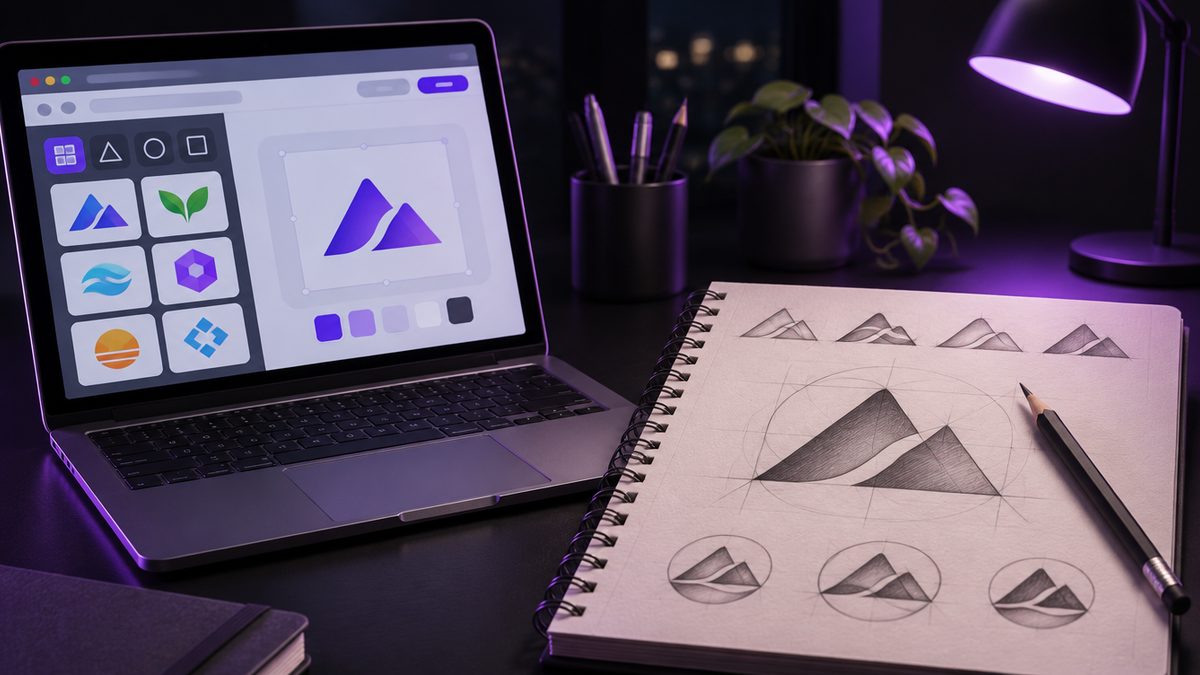
Canva, logo makers, AI tools: making a logo yourself has never been easier. In ten minutes you have something that looks quite okay.
The question is: is "quite okay" enough for your business? Here's the honest comparison.
DIY: the upside
- Almost free: Canva and many logo makers cost little or nothing.
- Instant: no briefing, no waiting.
- You're in full control.
DIY: where the problems are
1. You're not alone
Templates and icons from Canva and logo makers are used by a lot of people. The chance that another business has an almost identical logo is real. Recognition? Tough.
2. Legal grey area
Many platforms let you use their template elements but not register them as your own trademark. If you want to protect your logo later, that can cause problems. Read the licence terms carefully.
3. Technical gaps
A 500-pixel PNG works for a profile picture. For the sign over your door, your van or a large banner you need vector files. Many tools don't provide them, or only for a fee.
4. A logo isn't a brand yet
Even if the logo is good: colours, fonts and how it's used on website, business card and Instagram have to work together. That's where most DIY efforts fall apart.
And AI?
AI image generators produce impressive ideas in seconds. For first directions they're genuinely useful. As a finished logo they have weaknesses: messy details, no real vector files, trouble with lettering and often unclear legal status.
Our advice: use AI to find out what you like. Then bring those ideas to a designer – it speeds up the briefing.
Designer: the upside
- Unique: a logo that exists only once.
- Thought through: works small and large, colour and black-and-white.
- Every format: vector files for any use.
- Fits the rest: colours, fonts and applications included.
The price gap is smaller than you think
Many people use Canva because they think a designer costs thousands. At big agencies, that's true. At Ouceal a custom logo costs €290, the complete branding package with colour palette, fonts, style guide and business cards €490. Full details: How much does a professional logo cost in Germany?.
Our recommendation
DIY if you're just testing an idea, don't know if the business will exist in a year and have almost no budget.
Hire a designer as soon as your business is running, you're planning a sign, vehicle or print, or you want to stand out clearly from the competition.
Bottom line
A DIY logo is a good placeholder. A logo for the next ten years should be unique, available in every format and legally yours. More about our work: Branding & logo design.
Frequently asked questions
Can I make my logo with Canva?
Technically yes. But Canva templates and elements are used by a huge number of people. Your logo will hardly be unique, and depending on the licence, template elements may not be registrable as your own trademark.
Are AI logos a good alternative?
AI tools are useful for ideas and first directions. As a finished logo, they often lack clean vector files, consistency and legal clarity. A designer can use AI ideas as a starting point, though.
What does a logo from a designer cost at Ouceal?
A custom logo costs €290, the branding package with colours, fonts, style guide and business cards €490.
Can I have my DIY logo professionally refined later?
Yes. An existing logo is often a good starting point. A designer can take the idea, refine it and deliver it in every format you need.